10 Best AI Task Automation Tools in 2026 — Full Lifecycle
Compare 10 AI task automation tools in 2026 across capture, organize, connect, execute, and follow-up—pricing, pros/cons, and real user insights.

TL;DR
The average knowledge worker spends 41% of their time on repetitive tasks that could be automated, yet 70% of AI-generated action items never get completed. The problem isn’t a lack of tools. It’s that most tools automate only one slice of the workflow. This guide ranks 10 AI task automation tools across the full lifecycle, from capturing tasks in meetings to actually getting them done, with honest pricing, tradeoffs, and real user feedback for each.
The Accountability Gap Nobody Talks About
Here’s a stat that should bother you: approximately 40% of organizations now use AI meeting assistants, but 70% of AI-generated action items are never completed. The notes are beautiful. The summaries are clean. The bullet points are neatly formatted. And then nothing happens.
This is the accountability gap, the most expensive productivity illusion in enterprise software right now.
The root cause isn’t lazy teams. It’s fragmented tools. The average company uses 106 SaaS applications, and workers lose up to 40% of their productive time just switching between them. That context switching costs the U.S. economy an estimated $450 billion annually. When your transcription lives in one app, tasks in another, communication in a third, and scheduling in a fourth, handoffs are where work goes to die.
AI task automation tools promise to fix this. But most of them only solve one piece of the puzzle. Some capture tasks from meetings. Others organize them into boards. A few connect apps together. Almost none close the full loop from conversation to completion.
This guide evaluates 10 tools across the entire task automation lifecycle, and it starts with the ones that minimize the handoffs where meetings actually drive real action.
How We Evaluated These Tools
Rather than lumping every tool into one flat list, we organized them around a five-stage lifecycle that reflects how work actually happens:
Capture — Where tasks originate (meetings, messages, voice, documents)
Organize — Structuring raw inputs into assigned, prioritized tasks
Connect — Routing tasks between tools and triggering automations
Execute — AI agents that actually do the work
Follow Up — Reminders, rescheduling, analytics, and daily briefs
Each tool was rated on pricing transparency, AI depth, whether it handles the meeting-to-task pipeline natively, and what real users say (not just marketing copy). The best AI task automation tools cover multiple stages without requiring you to duct-tape three other subscriptions together.
At-a-Glance Comparison Table
Tool | Best For | Starting Price | AI Depth | Meeting to Task? | Free Plan |
|---|---|---|---|---|---|
Velozity | All-in-one AI office (chat, meetings, tasks, agents) | $6.99/user/mo | Deep (AI Co-Worker agents) | Yes, native | Yes |
ClickUp | Customizable project management + AI | $7/user/mo (+$9 for AI) | Add-on | No, needs integrations | Yes (limited) |
Zapier | Connecting 8,000+ apps | $19.99/mo (annual) | Workflow-level | No, connector only | Yes (100 tasks) |
Fireflies.ai | Meeting transcription + action items | $10/seat/mo (annual) | Meeting-focused | Identifies tasks only | Yes (limited) |
Motion | AI auto-scheduling | $34/mo | Calendar AI | No | No |
Asana | Structured team workflows | $10.99/user/mo | Bundled in paid plans | No, needs integrations | Yes (limited) |
Make | Visual multi-step workflows | $9/mo | Workflow-level | No, connector only | Yes |
Notion AI | Knowledge + docs to tasks | $20/user/mo | Doc-native AI | No | Yes (limited) |
n8n | Self-hosted technical automation | Free (self-hosted) / €24/mo (cloud) | Workflow-level | No | Yes (self-hosted) |
Reclaim.ai | Free AI calendar scheduling | Free | Calendar AI | No | Yes |
Now let’s break down each tool in detail.
1. Velozity
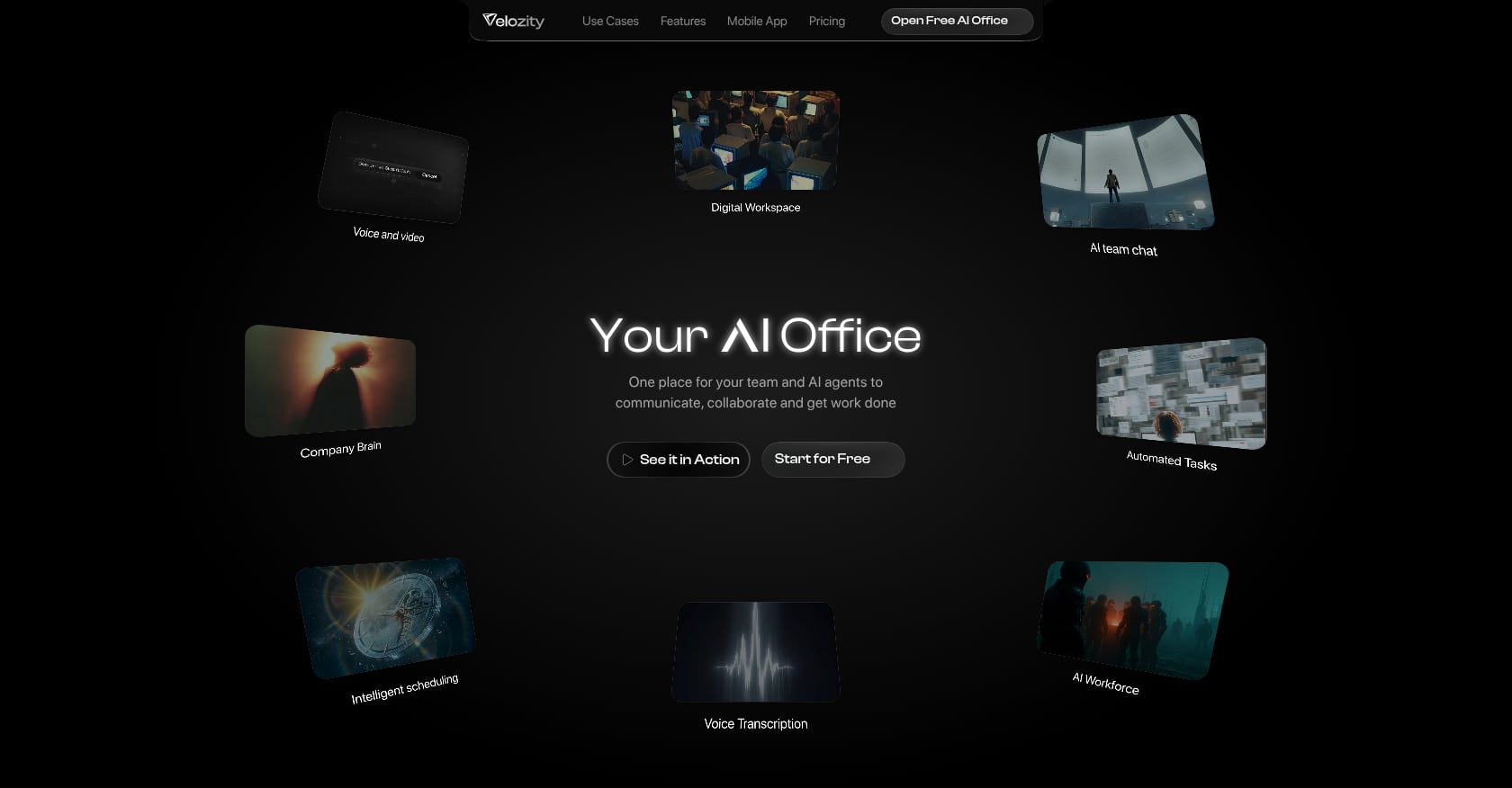
Best for: Remote and hybrid teams that want chat, meetings, transcription, tasks, and AI agents in one platform.
Lifecycle coverage: Capture, Organize, Connect, Execute, Follow Up (all five stages)
Velozity is an AI-powered workspace, what the company calls “Your AI Office,” designed to replace the fragmented stack of Slack + Zoom + Notion + Calendly + AI notetakers with a single platform where people and AI agents work side by side.
What makes it stand out among AI task automation tools is that it doesn’t just identify action items from meetings. It turns them into structured, assigned tasks with due dates, then uses AI agents to push work forward.
Key features:
Built-in voice/video meetings with automatic transcription and AI notes
AI Space that converts voice, text, or transcript inputs into organized tasks
AI Co-Worker agents that execute approved actions, run “AI Missions,” and answer questions from workspace knowledge (“Company Brain”)
Live presence with “cabins” for drop-in audio/video (no meeting links required)
Integrated calendar and booking pages
Kanban and list-based task management auto-filled from meetings
Team analytics, activity timelines, and automatic daily briefs
Guest Pass for external collaborators
Pricing:
Velozity uses modular pricing, so you only pay for what each team member needs:
Workspace: Free / Pro at $6.99/user/mo
AI Space: Free / Pro at $7.99/user/mo
Co-Worker: Free / Pro at $15/user/mo
The full stack (all three Pro modules) comes to roughly $29.98/user/mo. Compare that to a typical stack of Slack ($8.75) + Zoom ($16.99) + Calendly ($12) + a project manager ($7-$13) + an AI notetaker ($14-$18), which easily runs $50-$75+ per user. Free tiers are available across all three modules, and there’s a 30-day free trial with no card required.
See Velozity pricing to compare plans.
Tradeoffs:
Early-stage in review ecosystems (G2 profile exists but has limited reviews as of mid-2026)
All-in-one approach may not match specialized tools on every advanced feature
Migration requires shifting habits from chat-only or calendar-heavy workflows
Public integration catalog is not prominently documented; verify specific third-party needs during trial
Why it’s #1 on this list: Velozity is the only tool here that natively covers all five stages of the task automation lifecycle without requiring integrations between separate tools. As one commenter on Substack described the broader trend: the industry is shifting “from bots that take the steps you instruct them to, to agents you feed your desired outcome and they decide the steps, execute, and deliver the solution.” That’s exactly what Velozity’s AI Co-Worker model with AI Missions is built to do. For a deeper look at how agentic execution works, Velozity’s blog breaks down the concept in practical terms.
Start your free trial with no card required.
2. ClickUp

Best for: Teams already invested in ClickUp who want AI layered on top of deep, customizable project management.
Lifecycle coverage: Organize, Follow Up (partial)
ClickUp positions itself as a “superapp” for work, and it genuinely tries to consolidate project management, docs, goals, and now AI into one interface. The breadth is impressive: 15+ task views, custom fields, automations, and nested hierarchies that can model almost any workflow.
Key features:
ClickUp Brain: AI summarization, writing assistance, and task suggestions
Autopilot Agents for routine task automation
“Always-on” Ambient Agents that absorb workspace context
15+ views including Gantt, Board, Timeline, and custom dashboards
Built-in docs, whiteboards, and goal tracking
Pricing:
Unlimited plan: $7/user/mo (billed yearly)
Brain AI add-on: +$9/user/mo
Everything AI: +$28/user/mo
G2 rating: 4.6/5 across 14,100+ reviews
The base plan is competitive, but once you add AI, costs climb fast. A team of 10 on Everything AI pays $350/month just for the AI layer.
Tradeoffs:
AI is an expensive add-on, not bundled into base plans
Steep learning curve due to the sheer number of features and configuration options
No native meeting transcription, live presence, or voice/video communication
Performance issues persist: one reviewer on techvaultai.com noted that “ClickUp claims recent versions have largely fixed speed issues, but in day-to-day use with a real project, the lag is still there”
Real user perspective: Practitioners on Reddit frequently praise ClickUp’s flexibility but warn about “setup paralysis,” where teams spend weeks configuring the tool before doing actual work. The complexity is the feature and the drawback simultaneously.
3. Zapier

Best for: Connecting existing tools together when you need data to flow between apps automatically.
Lifecycle coverage: Connect
Zapier is the glue of the SaaS world. It connects over 8,000 apps and lets you build automated workflows (called “Zaps”) triggered by events in one app that cause actions in another. Need meeting notes from Fireflies to create tasks in Asana and post summaries in Slack? Zapier handles that.
Key features:
8,000+ app integrations
Multi-step Zaps with conditional logic
AI-powered workflow suggestions and code steps
Tables (basic database) for storing and processing data
Canvas for visual workflow planning
Pricing:
Free: 100 tasks/month
Starter: $19.99/mo (annual) for 750 tasks
Professional and higher tiers scale by task volume
Tradeoffs:
Not a task manager, just a connector between tools
Task-based pricing burns through faster than expected (AI steps, code, and SDK calls all count as tasks)
Costs escalate quickly at scale
Real user perspective: One analysis from tinycommand.com put it bluntly: “Most teams underestimate their task burn by 3 to 5 times, because one Zap run usually costs several tasks.” Bill shock is a real and common complaint among teams that picked Zapier for the advertised entry price.
Among AI task automation tools focused on workflow connectivity, Zapier remains the most accessible option for non-technical users. Just know that it solves the “connect” stage only, and you’ll still need separate tools for capture, organization, and execution.
4. Fireflies.ai

Best for: Standalone meeting transcription with action item extraction and CRM integration.
Lifecycle coverage: Capture (only)
Fireflies records, transcribes, and summarizes meetings with AI-generated action items and a searchable conversation library. It’s genuinely good at what it does, and its CRM integrations with Salesforce and HubSpot make it popular with sales teams.
Key features:
Automatic meeting recording and transcription across Zoom, Google Meet, Teams
AI-generated summaries, action items, and topic detection
Searchable conversation library with speaker analytics
CRM and project management integrations
Unlike most meeting tools, Fireflies meters storage and AI credits rather than transcription minutes
Pricing:
Free: Limited storage (roughly 400 minutes)
Pro: $10/seat/mo (annual)
Business: $19/seat/mo (annual)
Enterprise: $39/seat/mo (annual)
Expect to pay $10-$19/seat/month for the plans most teams actually need. Treat the free tier as a short trial.
Tradeoffs:
Identifies tasks but doesn’t manage or execute them
Action items still need to be pushed into a separate tool (ClickUp, Asana, etc.) via integrations
This is the accountability gap in action: beautiful notes, no built-in follow-through
Bot joins meetings visibly, which some participants find awkward
Real user perspective: Practitioners on Reddit’s r/ProductivityApps consistently prefer tools with minimal bot presence in meetings. Bot-free recording approaches that work “in the background, no bot joining” get praised repeatedly, which is worth considering if your team or clients are sensitive to visible AI attendance.
5. Motion

Best for: Solo professionals who want AI to auto-schedule every task on their calendar.
Lifecycle coverage: Follow Up (scheduling only)
Motion takes a unique approach: rather than helping you manage tasks in lists or boards, it automatically schedules them on your calendar based on priority, deadlines, and available time slots. The AI continuously reschedules when things shift.
Key features:
AI auto-scheduling of tasks based on priority and deadlines
Automatic rescheduling when meetings change or tasks slip
Meeting scheduling with booking links
Project timelines with deadline tracking
Calendar-first task visibility
Pricing:
Individual: $34/mo
Team: $20/user/mo (annual)
No free plan
Tradeoffs:
Expensive for what it offers, especially for individuals
No free plan to test the approach
No meeting transcription, conversation intelligence, or team communication features
Limited team collaboration compared to full project management tools
You surrender manual control over your calendar, which frustrates some users
Real user perspective: As one reviewer on aiproductivityreview.com summarized: “If your calendar is chaos and you want software to just decide for you, use Motion.” That’s both its pitch and its limitation.
6. Asana

Best for: Marketing and operations teams wanting clean, structured workflows with built-in AI.
Lifecycle coverage: Organize, Follow Up (partial)
Asana is a mature project management platform that has leaned into AI more aggressively than most competitors. Its AI Studio helps create dynamic workflows, and unlike ClickUp, AI is bundled into paid plans rather than sold as an expensive add-on.
Key features:
AI-powered project creation and task assignment suggestions
AI Studio for building custom workflow automations
Rules engine for trigger-based task routing
Goals and portfolio tracking
Clean, approachable interface for non-technical teams
Pricing:
Personal: Free (up to 10 users, limited features)
Premium: $10.99/user/mo
Business: $24.99/user/mo
G2 rating: 4.4/5 across 13,145+ reviews
The AI bundling gives Asana a cost advantage over ClickUp’s add-on model. For teams that don’t need 15+ views and heavy customization, it’s often the more practical choice.
Tradeoffs:
Free and basic plans restrict custom fields, Gantt charts, and multiple views
Paid tiers get expensive fast for small teams
No native meeting transcription, live presence, or team communication
Less customizable than ClickUp for complex, multi-team workflows
For teams debating between a unified workspace vs. multiple apps, Asana fits the “best-of-breed task management” category. It does one thing well but still requires separate tools for meetings, communication, and scheduling.
7. Make
Best for: Operations teams building complex, multi-branch automations at lower cost than Zapier.
Lifecycle coverage: Connect
Make (formerly Integromat) is a visual workflow builder that competes directly with Zapier but takes a different approach. Its canvas-based interface makes complex, branching workflows easier to visualize and debug. The 2026 version leans heavily into AI agents, Make Grid for observability, and Maia for AI-assisted workflow building.
Key features:
Visual drag-and-drop workflow canvas
AI agents and AI apps marketplace
Make Grid for monitoring and observability
Maia AI assistant for building automations faster
ISO 27001 and SOC 2 Type II compliance
Pricing:
Free: 1,000 operations/month
Core: $9/mo
Pro and higher tiers scale by operations
Significantly cheaper per operation than Zapier, which matters at scale.
Tradeoffs:
Like Zapier, it’s a connector, not a task manager
Medium learning curve, steeper than Zapier for simple workflows
Fewer integrations than Zapier (though the gap is narrowing)
Still requires separate tools for task capture, management, and execution
For teams using AI task automation tools primarily to bridge existing apps, Make offers better value than Zapier on complex workflows.
8. Notion AI

Best for: Teams whose work already lives in Notion and who want conversational AI search across docs and tasks.
Lifecycle coverage: Organize (partial)
Notion has fully embedded AI agents, task automation, and intelligent enterprise search into the platform. If your team’s knowledge base, project docs, and task boards already live in Notion, the AI layer adds genuine value by making all of that content searchable and actionable through natural language.
Key features:
AI agents for automating repetitive Notion workflows
Conversational search across all workspace content
AI writing assistance and summarization
Task and project databases with AI-suggested properties
Connected wikis and documentation
Pricing:
Free: Limited blocks and features
Plus: $10/user/mo
Business: $20/user/mo (includes full AI features)
Tradeoffs:
No meeting transcription or native voice/video communication
AI is powerful for docs and knowledge retrieval but weak on execution and follow-up
Works best as part of a larger stack, not as a standalone task automation solution
Performance can slow down with very large workspaces
If you’re interested in AI for knowledge management, Notion AI is strong on the retrieval side. Where it falls short is closing the loop into action.
9. n8n

Best for: Developer and DevOps teams who want full control over their automation infrastructure.
Lifecycle coverage: Connect
n8n is an open-source workflow automation tool that you can self-host for free or run on their cloud service. It gives technical teams complete control over their automation infrastructure, including data residency, custom nodes, and direct API manipulation.
Key features:
Self-hosted option with full source code access
400+ community-driven integrations
Code nodes for custom JavaScript/Python logic
AI agent workflows with LLM integration
Full infrastructure and data control
Pricing:
Self-hosted: Free (forever)
Cloud: From €24/mo
Tradeoffs:
Highest learning curve of all workflow tools on this list
Requires technical expertise to deploy and maintain (especially self-hosted)
Fewer integrations than Zapier (400+ vs. 8,000+)
No task management, meeting features, or end-user interface
n8n is the right choice for teams with specific privacy, compliance, or customization requirements that commercial platforms can’t meet. For everyone else, it’s more infrastructure than productivity tool.
10. Reclaim.ai
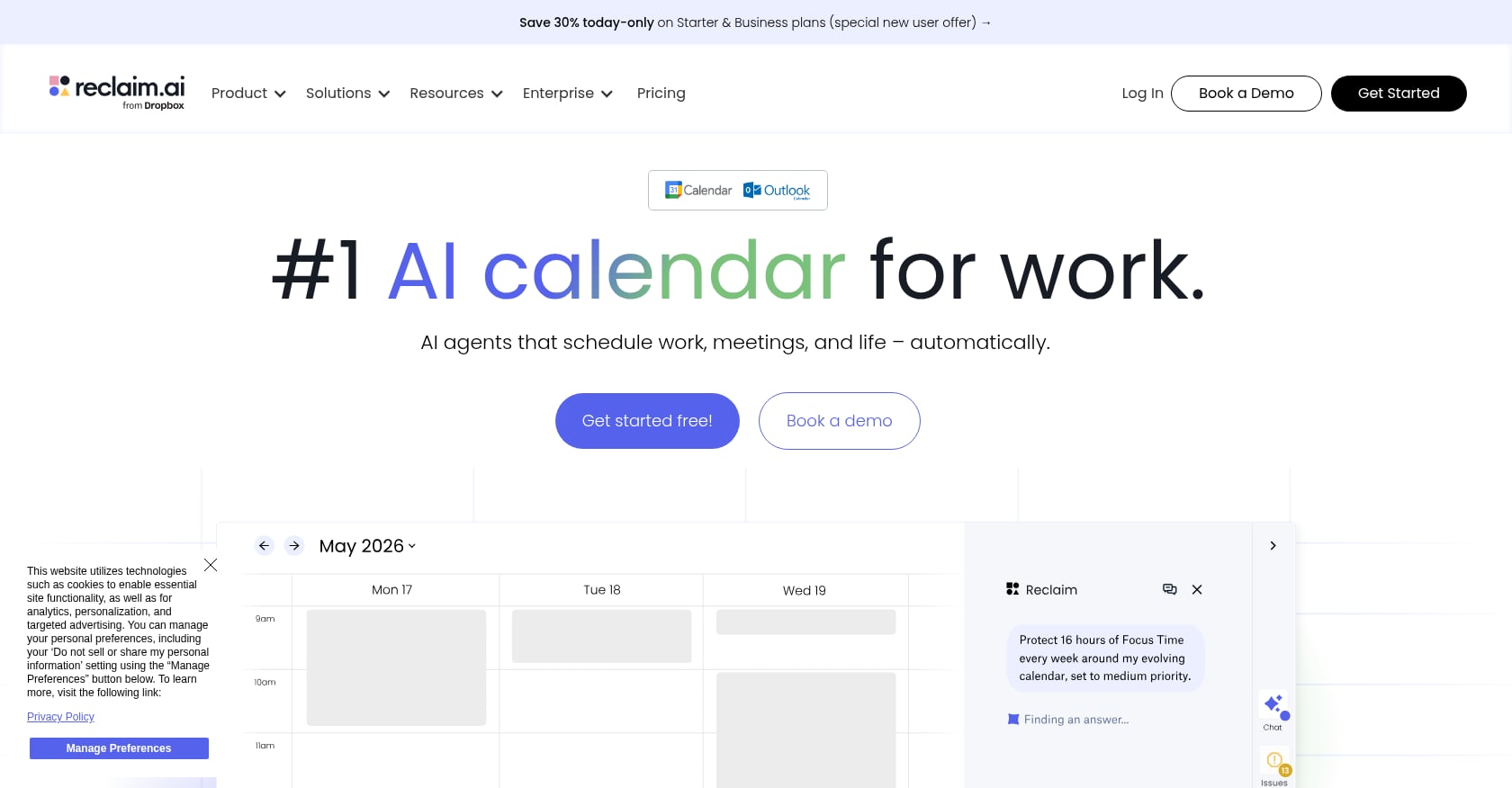
Best for: Anyone who wants free AI calendar scheduling to protect deep work time.
Lifecycle coverage: Follow Up (scheduling only)
Reclaim.ai automatically schedules tasks, habits, and breaks around your meetings. It protects focus time by blocking calendar slots and rescheduling intelligently when conflicts arise. Its free tier is genuinely usable, which is rare among AI scheduling tools.
Key features:
AI scheduling that protects deep work blocks
Habit scheduling for recurring priorities
Smart 1:1 meeting scheduling
Task scheduling from Todoist, ClickUp, Asana, and others
Team analytics on time allocation
Pricing:
Free: Core scheduling features
Starter: $8/user/mo
Business: $12/user/mo
Tradeoffs:
Calendar-focused only; doesn’t create tasks from meetings or handle communication
No meeting transcription or conversation intelligence
Limited without a connected task source
Less powerful than Motion for pure AI auto-scheduling
Reclaim.ai has the most usable free tier for AI scheduling among the tools we evaluated. It pairs well with other task managers but doesn’t replace them.
How to Choose the Right AI Task Automation Tool
The “best” tool depends entirely on what stage of the task lifecycle is breaking down for your team.
If you want one platform that handles everything from conversation to completion without stitching tools together, Velozity covers all five lifecycle stages natively. This approach eliminates the handoff points where tasks typically get dropped.
If you need to connect tools you already use, Zapier or Make are the right choice. Zapier has more integrations; Make is cheaper for complex workflows.
If your biggest problem is meeting follow-through, start with Fireflies.ai for transcription, but know you’ll still need a task manager on the other end.
If your team already lives in one project management tool, ClickUp or Asana will add AI capabilities to your existing workflow. Asana bundles AI into paid plans; ClickUp charges extra but offers deeper customization.
If you’re a solo professional drowning in calendar chaos, Motion or Reclaim.ai focus specifically on time management.
The consolidation trend is real. As one founder wrote on Substack, “the cost of fragmentation in 2026, context-switching, integration debt, unusable AI on siloed data, is higher than the cost of giving up category-specific depth most teams never use.” For teams ready to explore that shift, here’s a practical look at how to replace Slack, Zoom, and Notion with a single workspace.
Frequently Asked Questions
What is AI task automation?
AI task automation refers to using artificial intelligence to reduce or eliminate manual work in creating, organizing, assigning, and completing tasks. This ranges from simple rule-based triggers (if email arrives, create task) to agentic AI systems that independently decide steps and execute work on your behalf. The most advanced AI task automation tools in 2026 go beyond transcription and summarization to actually push work forward without constant human direction.
Can AI create tasks from meetings automatically?
Yes, several tools can extract action items from meeting transcripts and convert them into structured tasks. Fireflies.ai identifies action items but requires a separate tool to manage them. Velozity handles both natively, turning meeting transcription directly into assigned tasks with due dates in the same workspace. ClickUp and Asana can receive tasks from meeting tools through integrations like Zapier.
What’s the cheapest AI task automation tool?
It depends on what you need. Reclaim.ai offers the most usable free tier for AI calendar scheduling. Make starts at $9/month for workflow automation. For an all-in-one approach covering communication, meetings, tasks, and AI agents, Velozity’s Workspace Pro starts at $6.99/user/month. Keep in mind that comparing individual tool prices is misleading when you’d otherwise need three or four subscriptions to cover the same functionality. You can compare Velozity plans to see module-by-module pricing.
Is it better to use one all-in-one tool or multiple specialized tools?
The “best-of-breed” approach (picking the top tool in each category) made sense when integration was easy and switching costs were low. In 2026, with knowledge workers losing 2.1 hours daily to context switching between apps, the math has shifted. All-in-one platforms sacrifice some specialized depth but eliminate the handoff points where tasks die. For most teams under 100 people, consolidation reduces both cost and coordination overhead. For a practical guide to AI agents working as team members inside a unified workspace, that resource digs deeper into the execution layer.
What’s the difference between workflow automation and task automation?
Workflow automation (Zapier, Make, n8n) moves data between apps and triggers actions based on events. Task automation goes further: it creates, assigns, prioritizes, schedules, and sometimes completes tasks using AI. The most complete AI task automation tools combine both, handling the plumbing between systems and the intelligence to manage work within them.
Do AI task automation tools actually save money?
For most teams, yes. The average knowledge worker spends 41% of their time on repetitive tasks that could be automated, roughly 16 hours per week. Even modest automation of meeting follow-up, task creation, and status updates recovers significant time. The cost savings accelerate when you consolidate multiple tool subscriptions. A typical five-tool stack runs $50-$75+ per user per month; platforms that unify these functions can cut that significantly while reducing the hidden cost of context switching.
The Bottom Line
The gap between AI-generated meeting notes and completed tasks remains the biggest productivity leak for knowledge teams in 2026. Tools that only solve one stage of the lifecycle, capture without execution, organization without follow-up, connection without intelligence, perpetuate the problem rather than fixing it.
The strongest AI task automation tools are the ones that minimize handoffs. Every integration point is a place where tasks get lost, context gets stripped, and accountability evaporates. Whether you choose a single platform or a carefully connected stack, the goal is the same: close the loop from conversation to completion.
If consolidation appeals to your team, start with Velozity for free and see how many tools it can replace. Thirty days, no card, all modules available. That’s enough time to know if the all-in-one approach fits how your team actually works.
