As startups grow and solo founders expand into early-stage teams, the number of tools in the workflow increases almost by default: one for tasks, one for meetings, one for chat, one for notes, one for documents, and one for project planning.
Individually, each tool solves a problem.
Together, they create a new one: operational drag.
This blog breaks down why fragmented tools slow teams down, what modern teams actually need to move faster, how a unified workspace becomes a strategic advantage and why an AI Office like Velozity sets a structurally faster execution model.
The Situation: Multiple Apps Create Operational Drag That Slows Teams Down
Teams today rely on an expanding set of tools to communicate, plan, meet, and execute. While each tool solves a specific need, they create a system that is fundamentally slow.
Here’s what actually happens inside multi-app workflows:
Information gets scattered across tools
Teams duplicate work without realizing it
Context switches multiply across the day
Accountability drops because tasks lose their origin
Meetings increase just to “sync the gaps”
Leaders lose visibility across systems
Execution slows because decisions aren’t tied to action
Validated research reinforces the problem:
Teams lose 20–30% of productive time to context switching (Harvard Business Review).
Knowledge workers spend 58% of their time coordinating work across tools (Asana Work Index).
Distributed teams experience higher misalignment when decisions are not centralized (Microsoft WTI).
How Velozity Solves This
Velozity is an AI office—not a chat app, not a video tool, not a task manager.
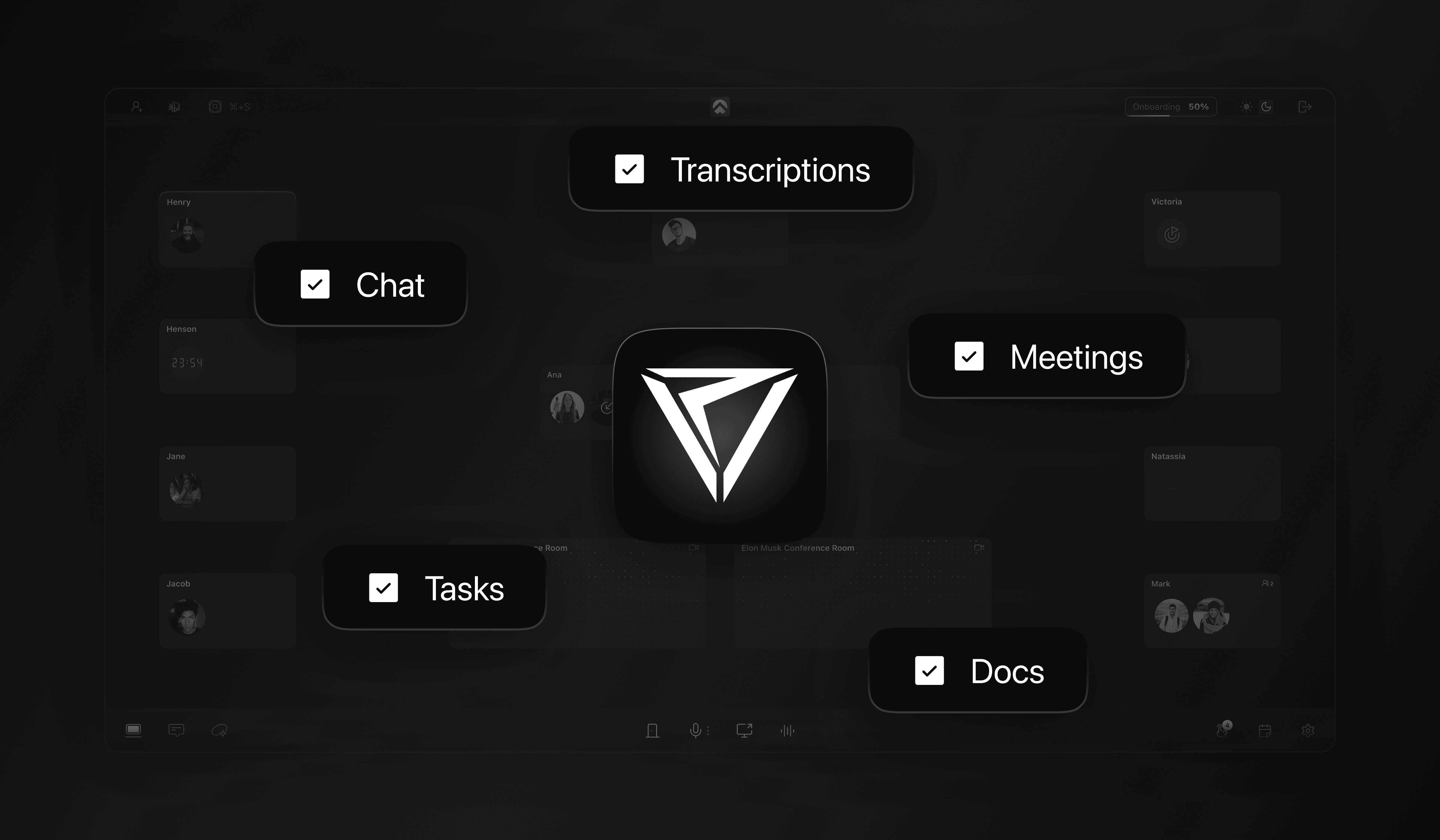
It combines communication, meetings, transcript intelligence, tasks, and presence into one system that stays aligned on its own.
Below is how it addresses the fragmentation problem directly.
1. Conversations become structured work automatically
Most tools require someone to create structure after a meeting.
Velozity removes that step:
Real-time transcription
Task extraction
Decision capture
Action items with clear first steps
Tasks grouped into the right projects
Follow-ups drafted automatically
Nothing depends on memory or manual reconstruction.
2. Routine operational work is handled by the system
Founders lose time on small but necessary tasks: writing follow-ups, scheduling next steps, creating tickets, updating boards.
Velozity automates those actions so progress doesn’t depend on micromanaging details.
This reduces the friction that causes delays and procrastination.
3. Presence, chat, meetings, tasks, and files are in one environment
Instead of coordinating across 5–7 tools, everything sits in the same workspace.
The benefit isn’t theoretical. It shows up in practical ways:
Fewer sync meetings
Less misalignment
No lost context
Clear ownership
Faster handoffs
Remote and hybrid teams especially benefit because context stays intact.
4. The system scales from solo to team without rework
A solo founder can operate fully inside Velozity.
Later, when they invite teammates:
All transcripts, tasks, and decisions are already organized
Projects already contain context
The team sees the full picture without lengthy onboarding
The workflow remains consistent. The environment does not need to be rebuilt.
5. Clear cost and ROI advantage
Most early-stage teams rely on a combination of Slack, Notion, Zoom, Calendly, transcription tools, and project boards. Velozity’s pricing page compares this combined stack to an AI Office model.
Here’s the simplified breakdown:
Tool | Typical Cost (per user/month) |
|---|---|
Slack | ~$8.75 |
Notion | ~$18 |
Zoom | ~$13.33 |
Calendly | ~$16 |
Transcription or call AI tools | ~$18–20 |
Office-equivalent cost | ~$120 |
Total | ~$214 / user / month |
Velozity | $10 / user / month |
Savings:
Approx. $204 per user per month, or $2,448 per user per year.
For teams:
10-person team: ~$24,480 saved annually
50-person team: ~$122,400+ saved (Velozity cites ~$128k for a typical 50-person setup)
Time ROI
Even a conservative 5% reduction in coordination time creates measurable operational capacity, especially since research shows coordination overhead is already high.
Unified workflows create predictable time return.
The Result:
When teams shift from a multi-app setup to an AI Office like Velozity, several changes occur at both the operational and financial levels.
Clearer execution because decisions and tasks stay together
Teams no longer spend time recreating context or clarifying ownership. Work carries its own history.
Fewer sync meetings
Because transcripts, tasks, and updates stay in one place, teams do not need as many alignment calls to stay on track.
Lower operational drag
The system handles follow-ups, summaries, and scheduling, reducing the small tasks that typically delay progress.
Better visibility for founders and team leads
Progress and blockers are easier to see without requesting updates, preparing reports, or checking multiple tools.
Faster onboarding for early hires
New teammates step into an environment where the work, context, and decisions are already organized.
Reduced operational cost
Replacing a fragmented set of tools (messaging, meetings, transcription, scheduling, documentation) with a single AI Office lowers the monthly per-user cost.
More usable team capacity
Even a small reduction in context switching or manual follow-up work creates measurable reclaimed time, which compounds across weeks and months.
Conclusion
Fragmented tools introduce friction that accumulates as teams grow. Each additional app adds another place where information can be lost, duplicated, or delayed. Over time, this creates a noticeable gap between effort and output.
A unified workspace addresses part of the issue by consolidating where work happens. An AI Office goes further by reducing the manual steps between conversations and execution—transcribing meetings, capturing decisions, generating tasks, drafting follow-ups, and organizing work as it unfolds.
This model lowers operational cost, reduces coordination overhead, and gives teams a more stable execution rhythm. Instead of compensating for system gaps, teams work inside a structure that supports faster, clearer, and more predictable progress.
For early-stage teams and distributed groups, the difference is often immediate: fewer tools to manage, fewer meetings required, less drift, and a clearer view of what is happening across the work.
Frequently Asked Questions
How does Velozity help a team move faster compared to using multiple apps?
It keeps calls, tasks, decisions, follow-ups, and communication in the same environment. This reduces context switching and removes the need to manually transfer information between tools.
Does Velozity actually reduce operating costs?
Yes. Based on published pricing, replacing a typical multi-app stack with Velozity reduces software spend by roughly $204 per user/month.
What happens to all our meeting work?
Velozity transcribes calls, extracts decisions, generates tasks, and drafts follow-ups automatically. Teams spend less time rewriting notes or figuring out next steps.
Will a unified workspace increase or decrease the number of meetings?
It typically reduces them. When context is organized and accessible, teams don’t need as many syncs to clarify what happened or what to do next.
How does Velozity support remote or hybrid teams specifically?
Presence indicators, shared workspaces, and connected communication make distributed collaboration more synchronous without adding more tools.
Does Velozity replace our task manager, meeting tool, and notes app?
In most cases, yes. Those functions already exist inside the AI Office, so teams no longer maintain parallel systems.
How does Velozity scale as a team grows?
Solo founders can start alone, and when teammates join, they step into an environment where projects, transcripts, tasks, and decisions are already structured. No additional setup is required.
